 cockpit

Home dashboard
KPI tiles, the next move, agents by stage; Up next, Apps and Activity.
Herdr APPClaude Code, Codex and the other agents Herdr runs, each shown with its ticket, PR, CI run and deploy, and which of them are waiting for an answer. Your reviews, runbooks, meetings and releases are one key away.
Free and open source · macOS and Linux · for herdr and the Herdr desktop app
Works with what you already use
Two commands, in Claude Code or a shell. Setup picks your agent and features and wires herdr, the Herdr app, or both.
Each session knows its ticket, branch, PR, CI and deploy, and shows them right beside it.
Home says who waits on you. Answer, merge, fix CI or recap without hunting for the tab.
One local hub feeds both halves, so the sidebar, the board and the palette always agree.
KPI tiles, the next move, agents by stage; Up next, Apps and Activity.
Herdr APP
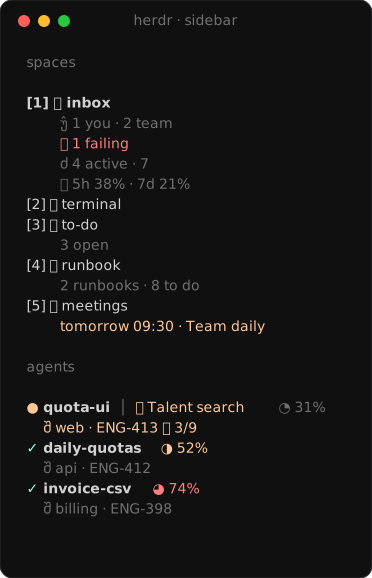
Questions answered in place; ticket, branch, PR and CI on every agent.
Herdr APP · Herdr TUI
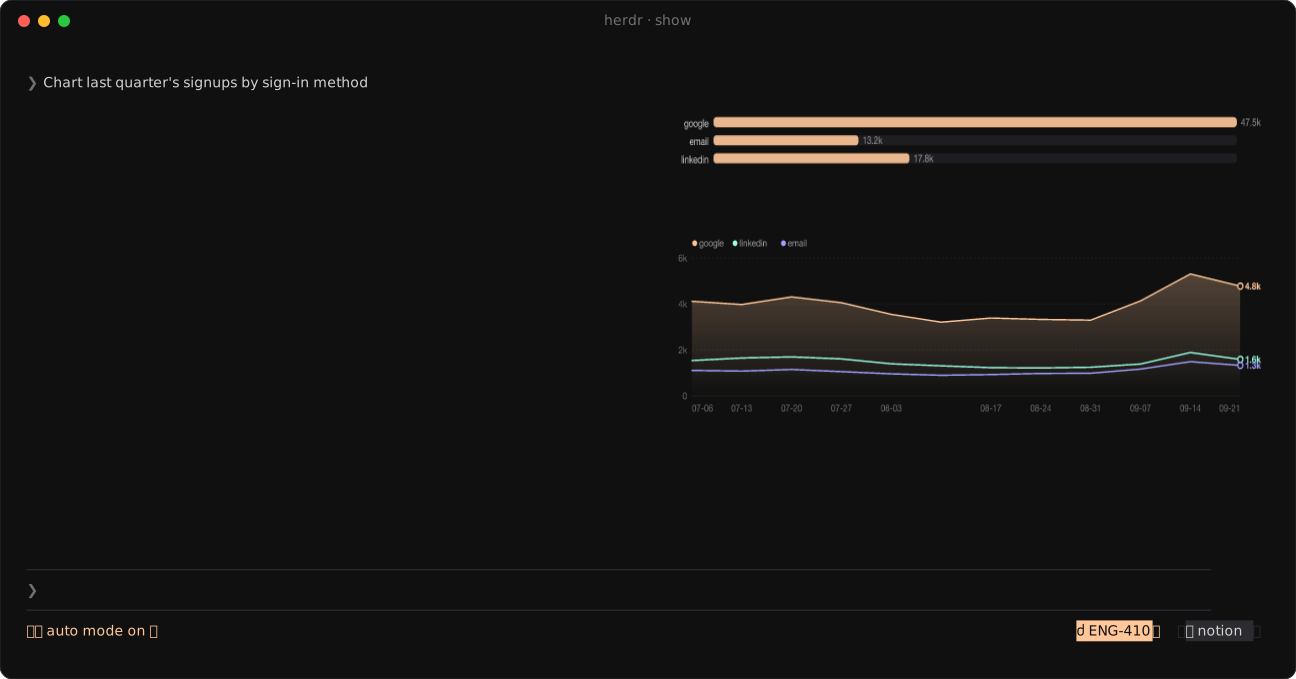
Figure tiles, area, donut and stacked bars beside the session.
Herdr APP · Herdr TUI
The plan as a diagram the agent keeps current. Click a box to ask for a change.
Herdr APP · Herdr TUI
Read and edit a file next to the agent; its edits show live, ⌘S saves. Ask the agent about any lines.
Herdr APP
Uncommitted, branch or PR, side by side or unified, a click from the agent.
Herdr APP
Comment line by line, then Submit review sends every note to the agent as one message.
Herdr APP
The diff explained in reading order, steps you can follow, untested parts called out.
Herdr APP
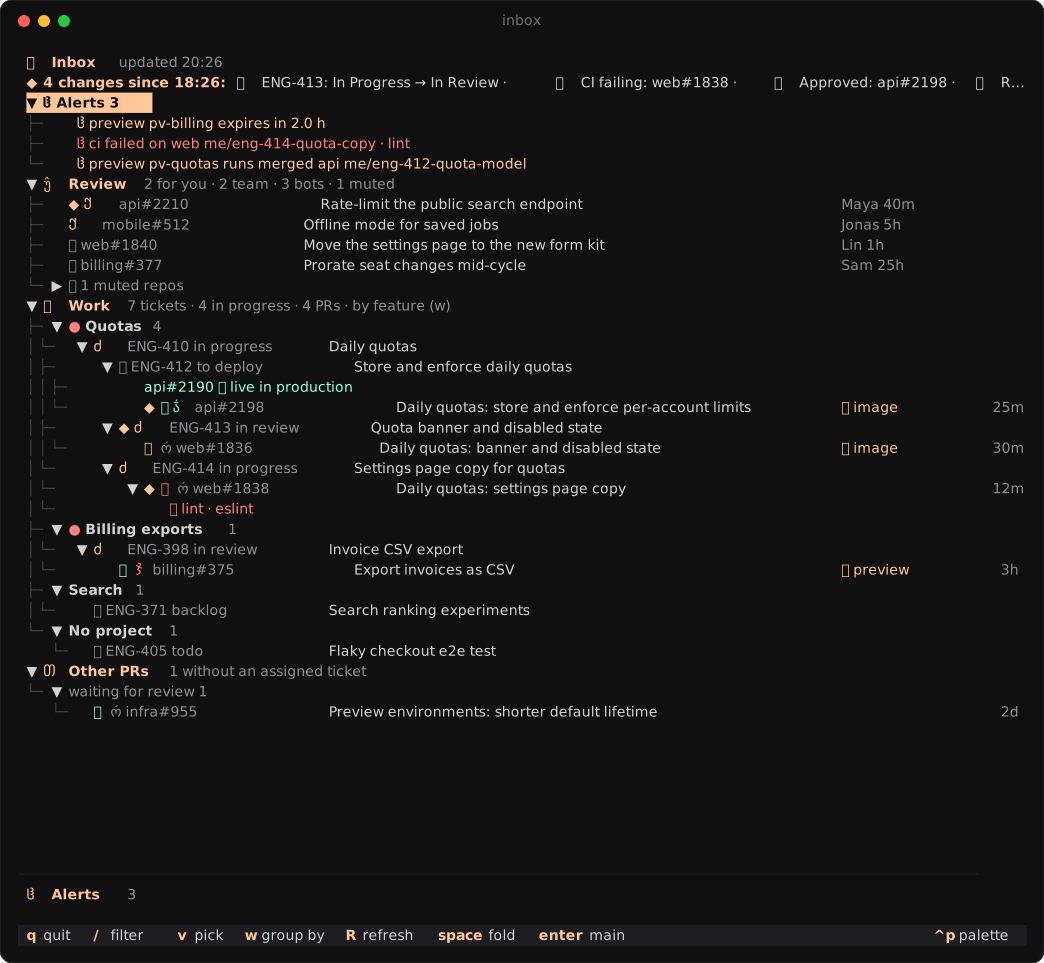
Alerts, reviews, your PRs and tickets by kind; merge, or start an agent on one.
Herdr APP · Herdr TUI
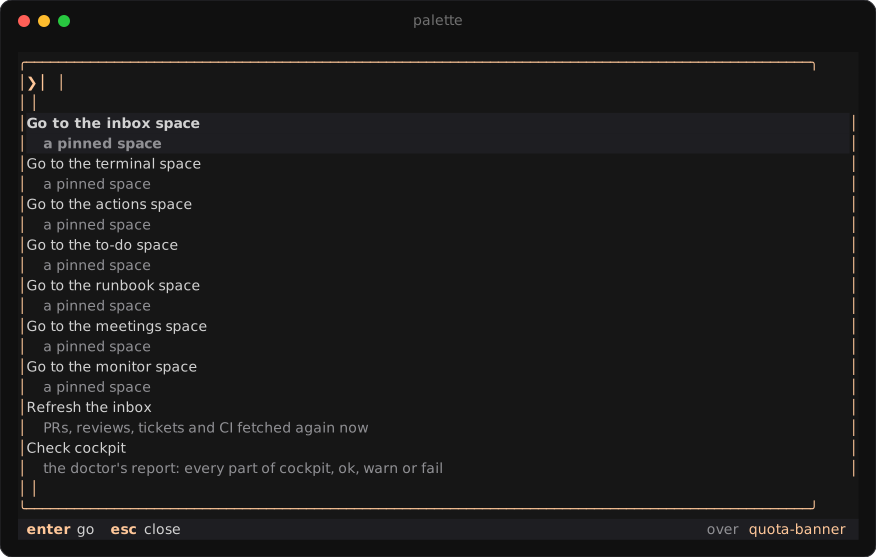
Tickets, PRs, runbooks, meetings, the week's history and past sessions.
Herdr APP · Herdr TUI
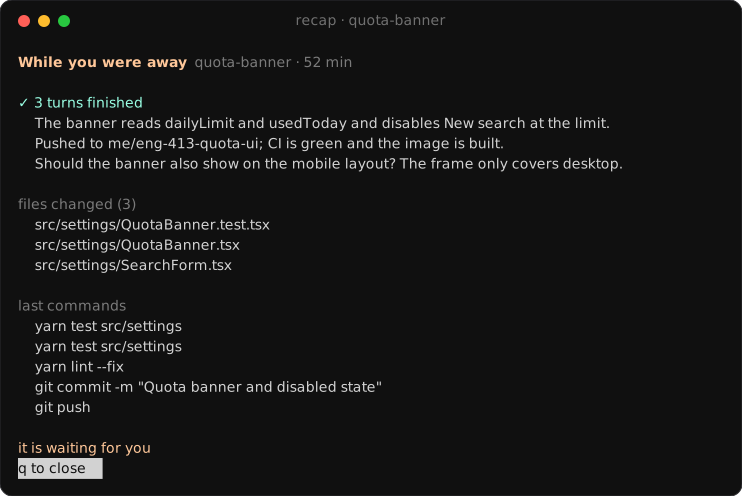
Agents by stage with their question and recap, or what one did while you were away.
Herdr APP · Herdr TUI
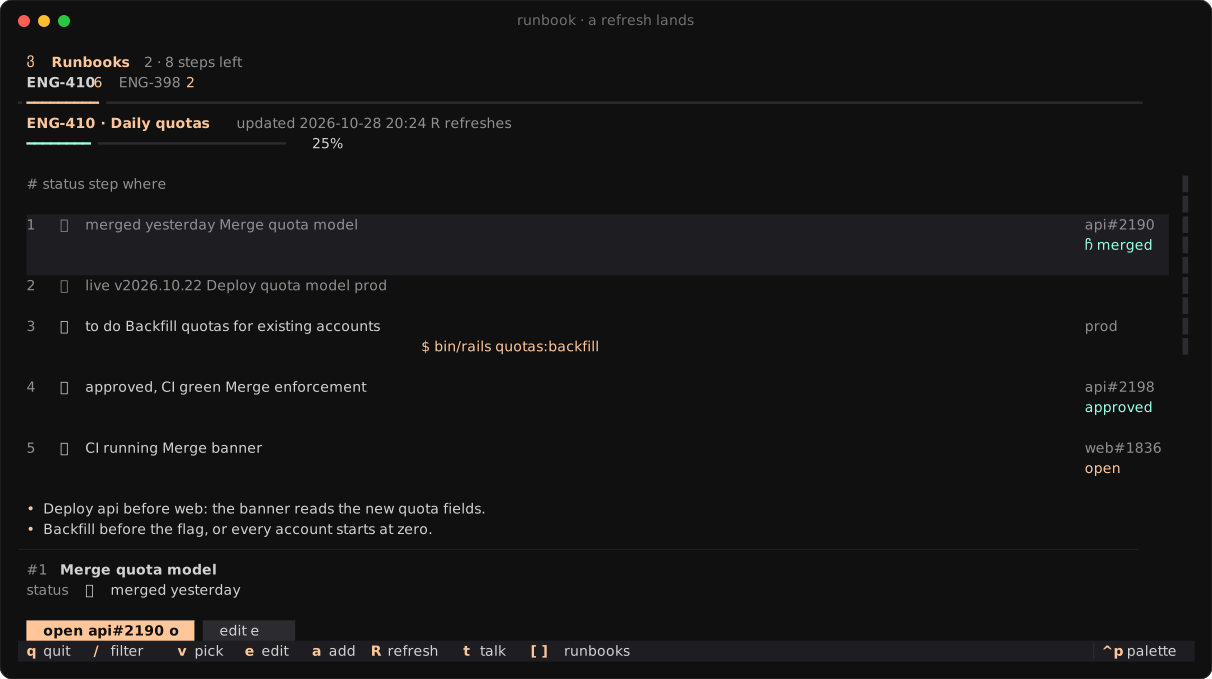
The steps left to ship a ticket, each with its PR, deploy or command.
Herdr APP · Herdr TUI
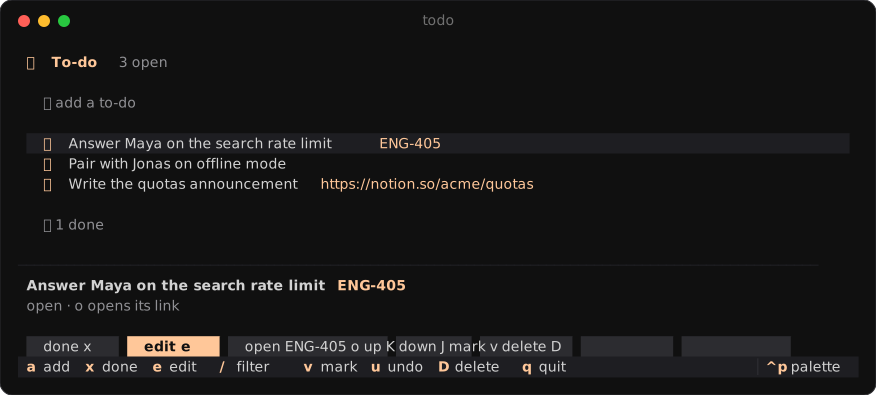
Your list, with the tickets and links it mentions.
Herdr APP · Herdr TUI
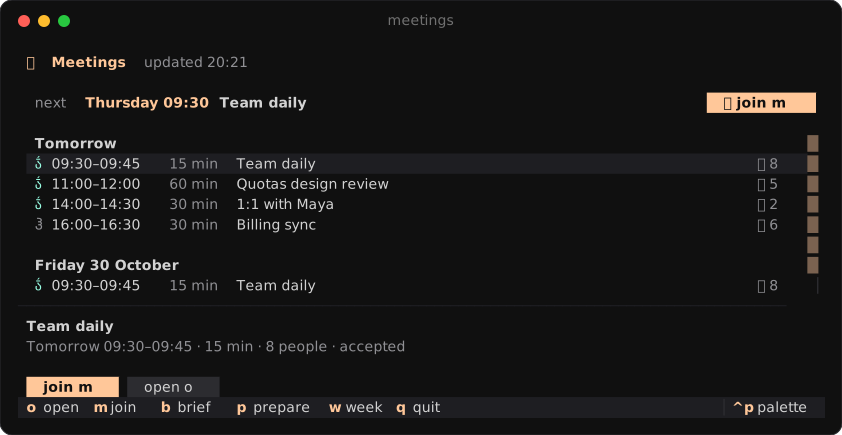
Your week, with join and a brief prepared before each one.
Herdr APP · Herdr TUI
Your inbox, unread first, read whole beside the list; reply, archive or mark read.
Herdr APP · Herdr TUI
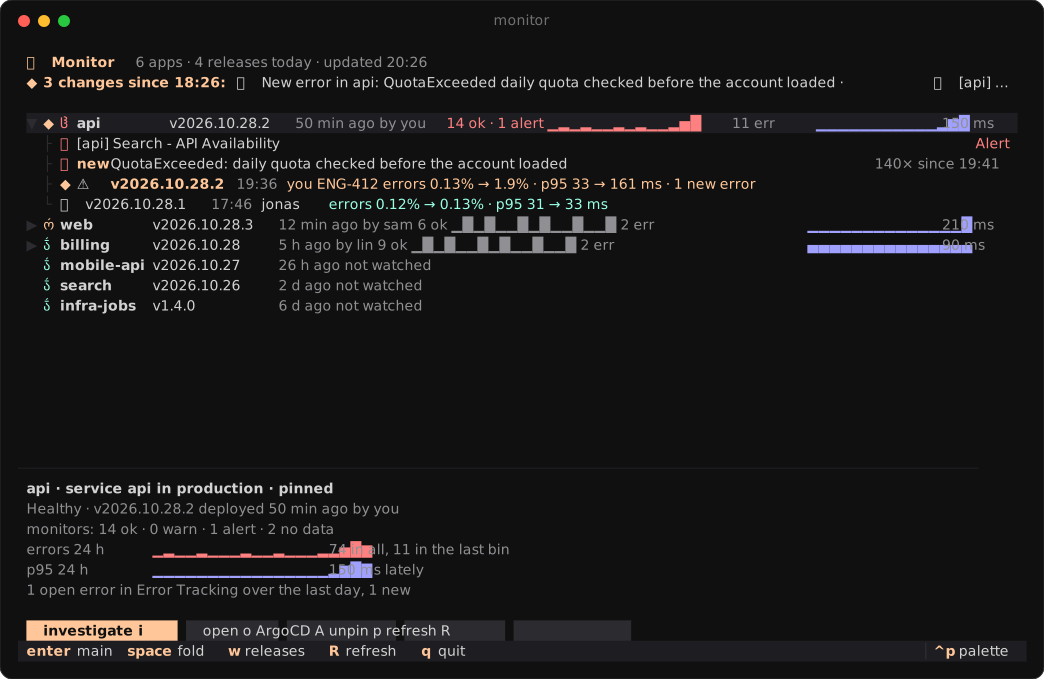
Each release judged on errors and latency, from Datadog.
Herdr APP · Herdr TUI
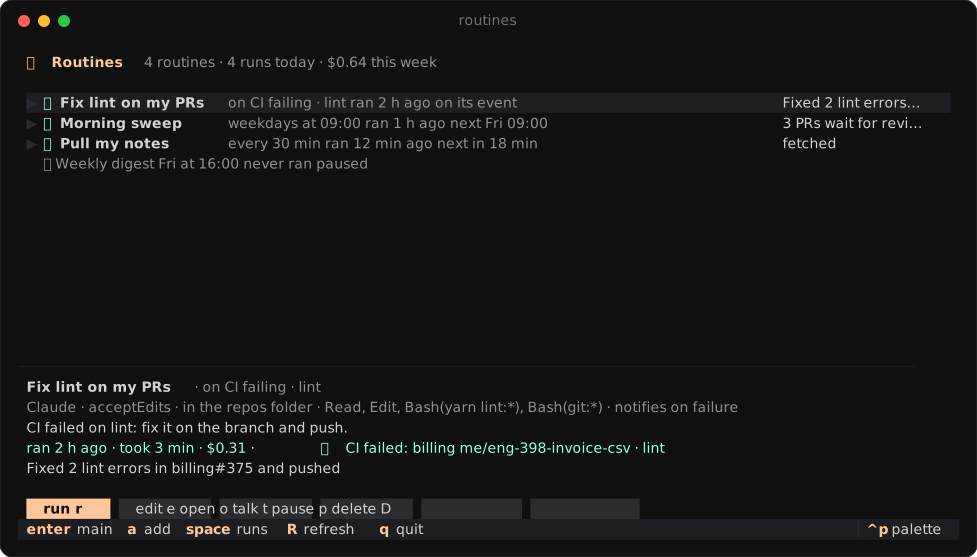
Agent prompts and scripts on a schedule or an event.
Herdr APP · Herdr TUI
One click to the agent's Linear, GitHub, Argo, Slack… pages, named after each tool.
Herdr TUI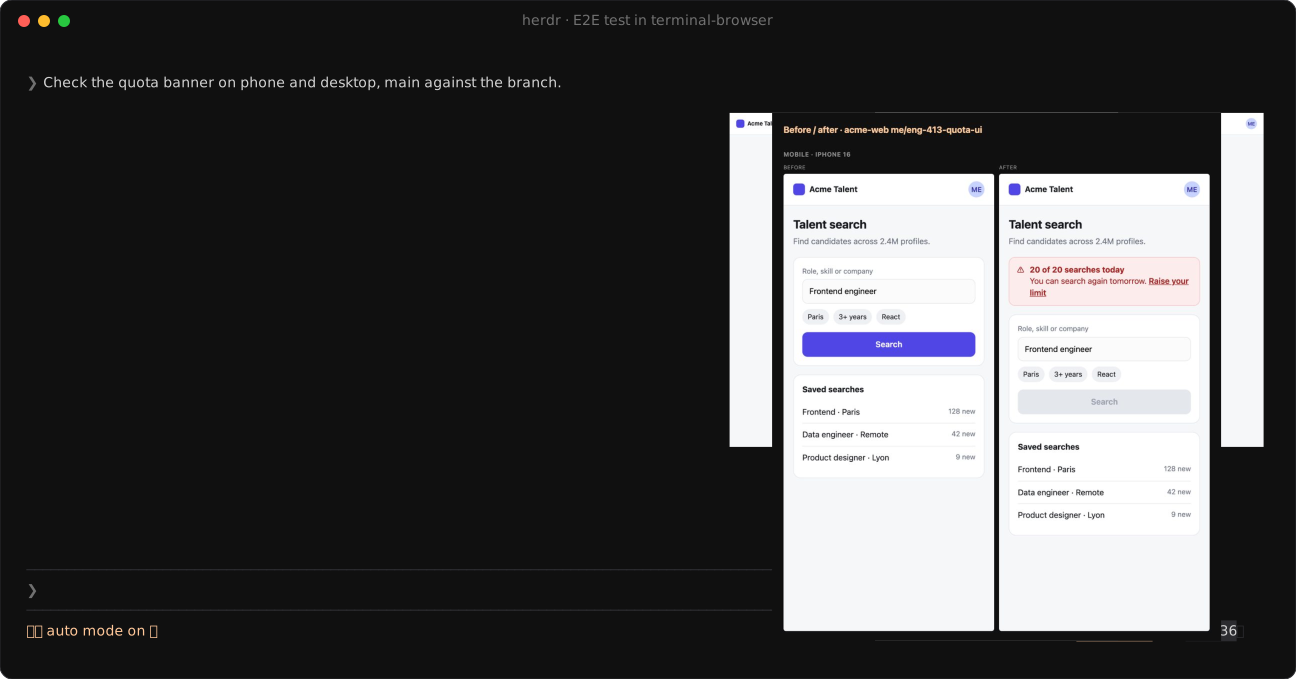
The agent tests its page in a browser you watch.
Herdr TUI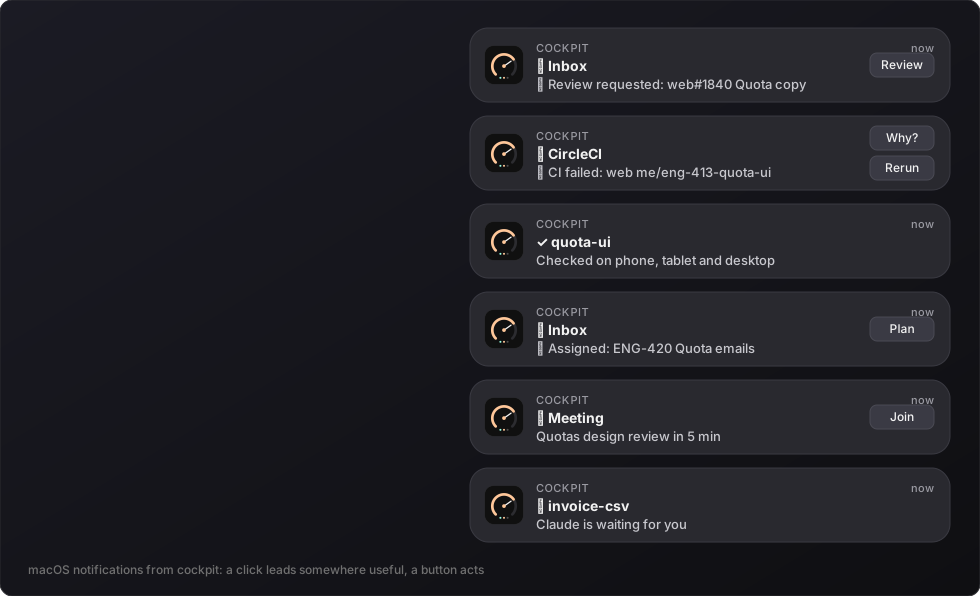
A click opens what it is about: the PR, the runbook, the routine.
Herdr TUIThe acme demo world: a few agents on daily quotas, a flaky test and an invoice export.
The same apps and data, drawn natively or in your terminal.
A layout and a mod, drawn natively by the Herdr desktop app.
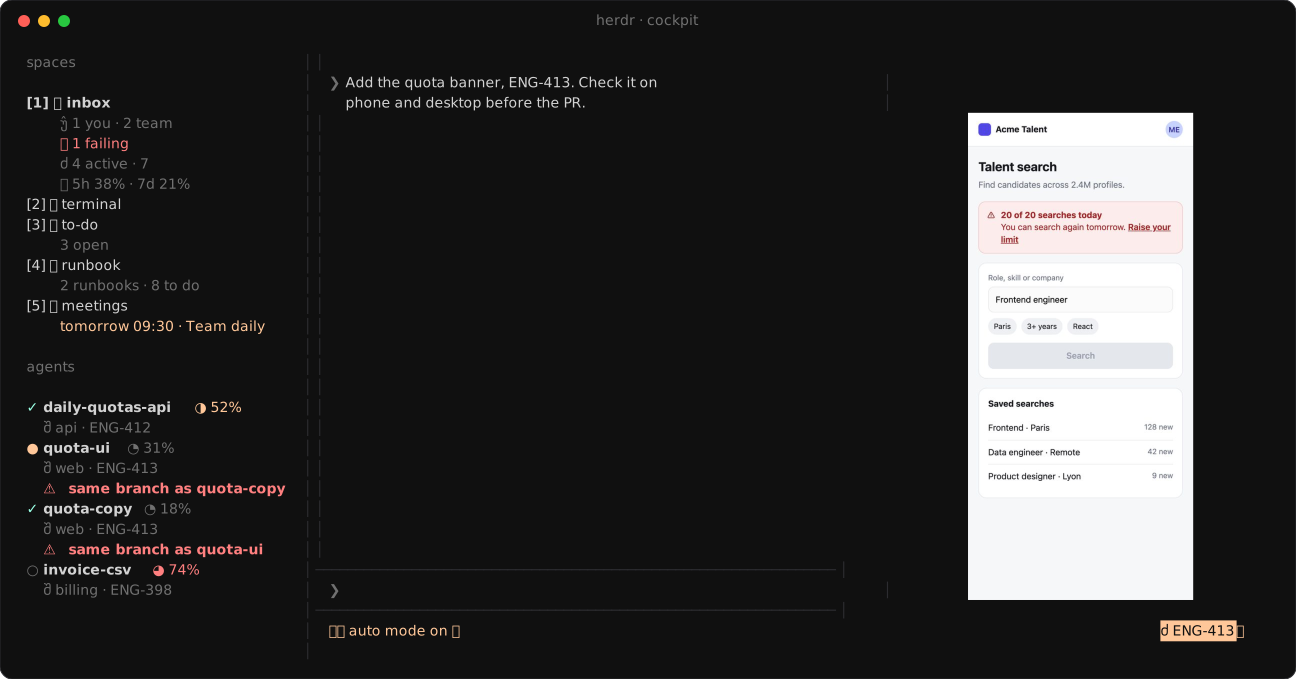
A herdr plugin: cockpit in your terminal, beside your agents.
Both run on the same hub, so you can use them at once.
Setup asks what you want, writes your config and installs both halves.
gh signed in and jq> /plugin install cockpit --marketplace quaresc/cockpit
> /cockpit:setup
# any time later
> /cockpit:doctor
> /plugin update cockpit@cockpit$ curl -fsSL https://raw.githubusercontent.com/quaresc/cockpit/main/install.sh | sh
$ cockpit setup
# any time later
$ cockpit doctor
$ cockpit update/cockpit:doctor or cockpit doctor checks every part and fixes what is broken. A notification tells you when a new version is out; a click, or cockpit update, updates every part.
No. GitHub goes through your gh login. Tickets, CI, meetings, deploys and the release monitor come
from MCP servers: cockpit calls them itself, with any agent. Setup finds the ones your agents already use, logs
cockpit in once through your browser, and has your agent map a server cockpit does not know yet.
In Claude Code, cockpit can use its connectors instead, through one hidden, idle session the hub keeps.
cockpit is free and MIT-licensed. What it asks an agent to do runs on your own agent's plan: recaps, meeting briefs, and routines, which take a weekly budget. Each one can be turned off.
Reading your MCP servers costs nothing: cockpit calls them itself, and the hidden Claude Code session some setups keep sits idle at its prompt.
Yes. The herdr half works alone in your terminal, the Herdr app half works alone, and both can run at once on the same hub. Setup wires whichever you have.
Not to cockpit: there is no cockpit server. The hub runs on your machine, listens only on 127.0.0.1 with a token,
and keeps its state in ~/.cache/cockpit.
It talks to GitHub, your ticket and CI tools and your calendar as you, and agent features go through your own agent. Search over past sessions uses a small model, downloaded once and run locally.
Install cockpit and see what every agent is working on.